
Everything Substack Just Shipped, and What Actually Matters for Your Business
A Tech Talk and Walk (through)

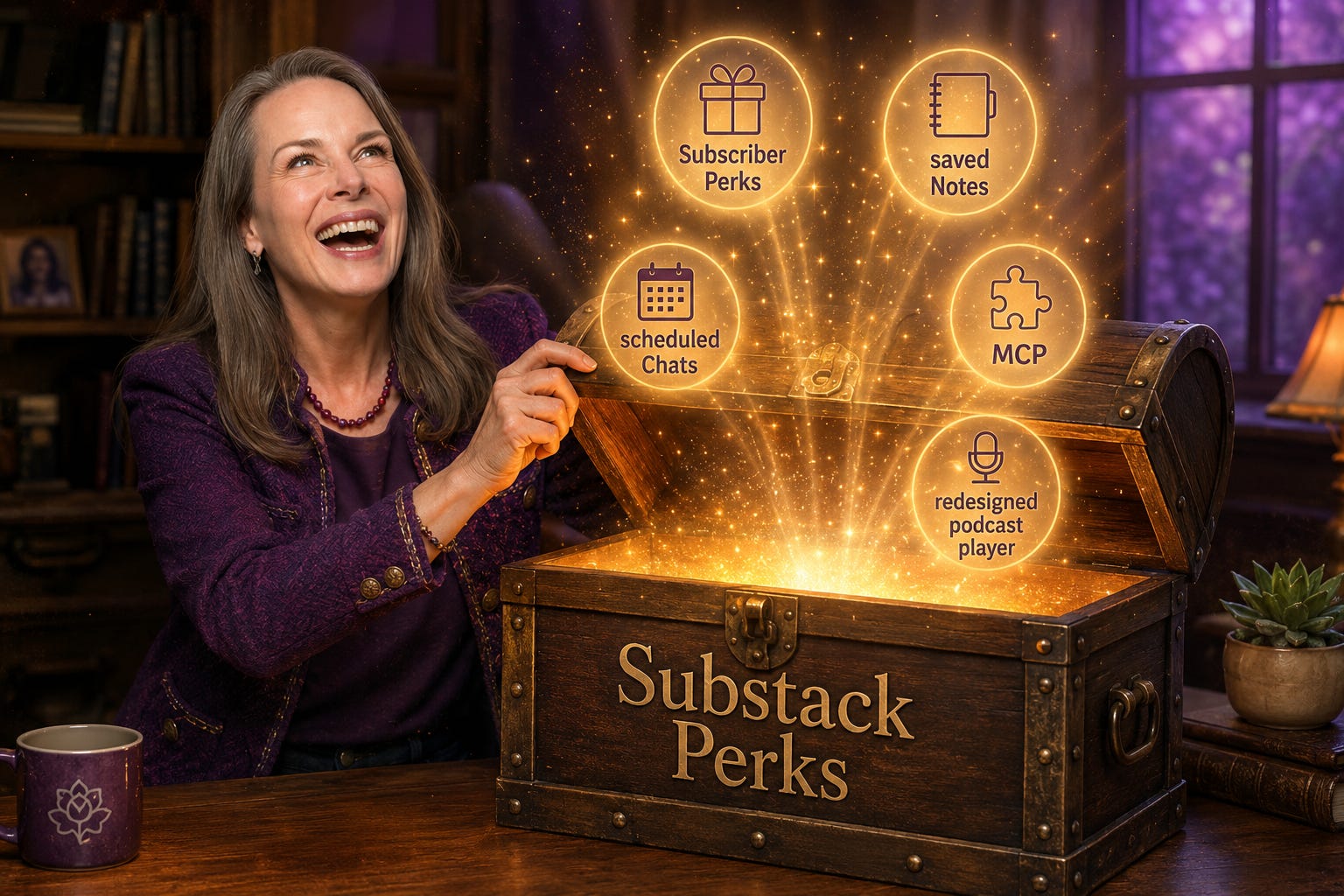
On July 6, Substack rolled out five real updates at once — Perks, saved Notes, scheduled Chats, MCP for stats, and a redesigned podcast player. Most of it appears minor. One piece of it should change how you use your forgotten files on your Google Drive or apps in Lovable.
The DL
I have a folder on my Google Drive called “client resources,” and if you opened it right now you’d find a positioning worksheet I built for one client years ago, a slide framework I’ve reused on probably thirty proposal calls since, and a workbook I recorded once for a workshop and then just… left there.
I have a Chrome Bookmark called “Viv’s Apps”. In it you will find a list of very valuable apps I built - now discarded like a once treasured Chanel bag. Still valuable, but unseen amongst all the other designer bags.
Just sitting there. Free, for anyone I happened to share them with in a past newsletter or post.
I’d bet real money you have the same files or bookmarked folder, just with better file names than mine… (Because you’re probably more organized than I am, lol — low bar, but still).
I’m telling you this because Substack shipped a batch of updates on July 6, and one of them is super relevant when it comes to those forgotten treasures. Some, not so much…. But I wanted to share them all with you. Because that’s just the type of gal I am.
Subscriber Perks — the big one.
Subscriber Perks are a new tab on every paid Substack publication where you can hand your paying subscribers something extra, on top of your regular posts: a discount code, a downloadable resource, an invite to a live session, or access to a private group. It’s live now for anyone with payments turned on. You can deliver a perk as a link to a private page, a single code everyone shares, or a batch of unique codes so each subscriber gets their own, and you can set different perks for monthly, annual, and founding members — which is a clean way to reward your most committed people without doing anything extra for everyone else.
Go to: https://YOURNAME.substack.com/publish/subscriber-perks/new?
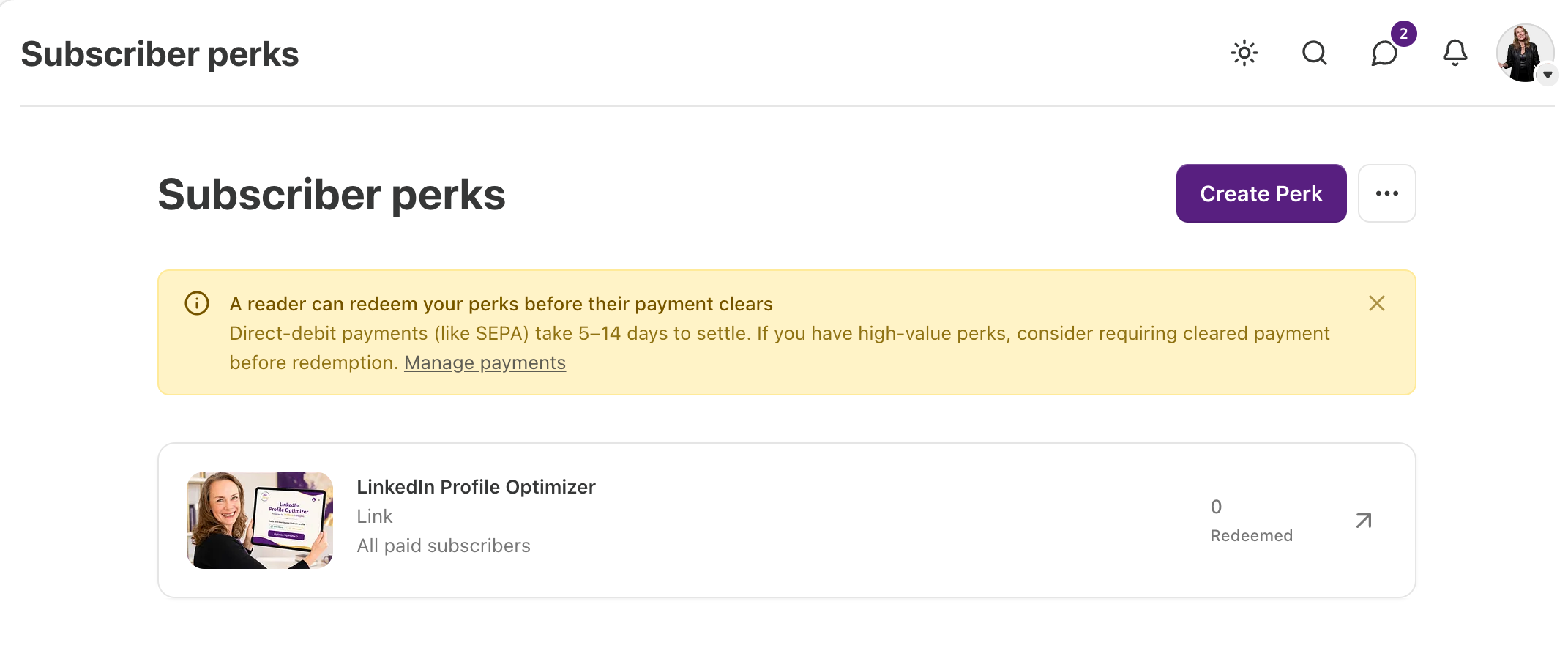
(BTW - this perk - one of many I will be offering - normally costs more than a whole year’s subscription! So - you know 👇🏻)
Substack’s own examples give you a feel for what’s already going up: one writer offering a U.S. shopping guide, another a curated list of people to meet at a conference, another a six-day meal plan. None of that is a new product built for this feature. It’s existing work, given a shelf.
Here’s why this matters more than the feature description suggests.
If you’ve spent twenty-plus years building real expertise, you almost certainly have a stack of finished work sitting untouched somewhere — not an idea for something, but actual finished product: a worksheet you built for one client and never touched again, a framework you reuse on every single call but never once thought to sell on its own, a training you recorded once meaning to turn into “a real course eventually,” and then didn’t.
You rarely think of that material as something to sell, because charging for “just a PDF” feels small next to the actual coaching you do, so you give it away instead and underprice yourself a little more without noticing you did it.
I don’t think that’s a pricing problem so much as a receiving problem — a discomfort with getting paid for something that was easy for you to make, even though “easy for you” is exactly what all that expertise is supposed to buy you.
So Perks is a plain, low-drama way to practice fixing it, because setting one up a perk doesn’t require a course, a sales page, or any kind of production. You open a folder and make what you already have into a perk above and beyond what the avg paid account on Substack offers.
So - how do you set it up???
📌 Restackable: How to set up your first Subscriber Perk
(This section is written to make sense on its own — if it’s useful, hit restack and pass it to a friend who’s sitting on a folder of her own.)
Subscriber Perks live in your account settings, not the Substack app — as of this writing, you can only set them up from your web publication.
1. Go find the thing you want to set up as a Perk. Open the folder. You know the one. Look for something finished, not something you’d need three hours to clean up — a worksheet, a template, a recorded session, a checklist you build fresh for every client because you’ve never once saved it as its own file. If nothing jumps out immediately, ask yourself what you’ve explained more than three times to different clients. That’s usually the thing. If it already has some imagery and a short definition attached to it, even better.
2. Find the settings. Go to your publication’s Settings page, scroll to the Payments section, and click Manage next to “Subscriber Perks” (or go straight to yourname.substack.com/publish/subscriber-perks). Click Create Perk. You need payments enabled on your Substack for this to show up at all.
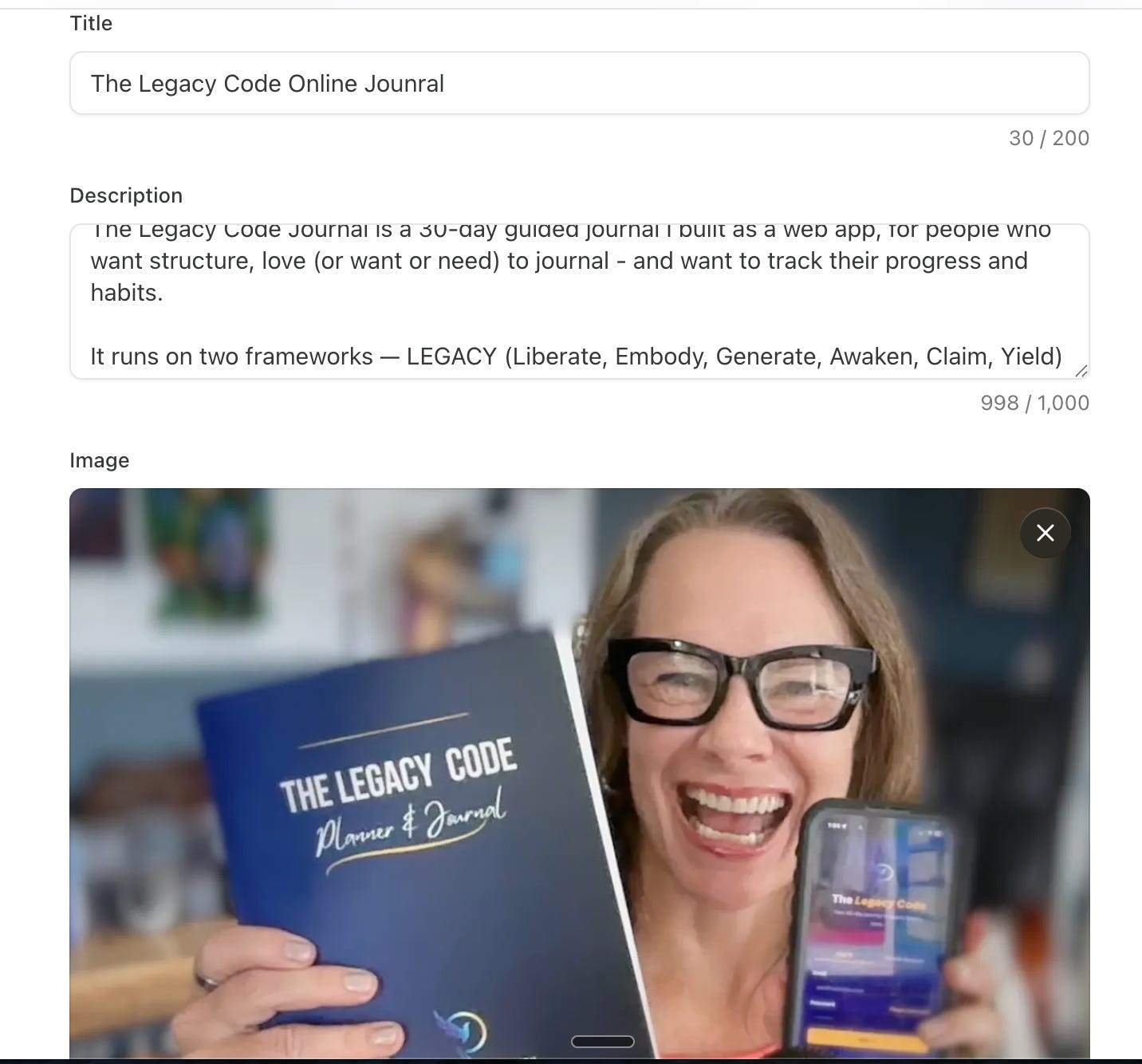
3. Pick the perk type. Substack gives you five actual options, and it matters which one fits what you found in step one:
Discount or promo code — for something you sell elsewhere (your VIOS session, your book, a partner tool)
Digital download — a file up to 700 MB, so a PDF, workbook, or ebook fits easily
Community invite — a link to a private space, like a Discord or Skool group (SCORE - I’m doing that one next!!!!)
Link — a link to any online resource, including a Zoom recording (That’s the two I have already built.)
Substack Live video — an invite to a future live session for paying subscribers only
4. Fill in the title, description, and image. The image needs to be at least 1200 x 800 pixels. Write the description the way you’d describe it to a client, not the way you’d describe it on a sales page — you’re not convincing anyone, you’re just being clear about what they’re getting. 1000 characters.
5. Choose who unlocks it. You can set a perk to founding members only, annual and founding members, or all paid subscribers including monthly. If it’s something with real ongoing value, consider reserving it for annual or founding members specifically — that’s not stinginess, that’s giving your most committed people an actual reason to be your most committed people. There’s also a toggle to limit a perk to new subscribers only, from a set date forward, if you want to use one as a fresh-subscriber incentive.
6. Know the refund rule before you publish. Substack doesn’t honor refund requests from subscribers who cancel after redeeming a perk, and subscribers have to acknowledge that before they unlock one. Worth knowing so you’re not caught off guard either way — it protects you, and it’s disclosed to them plainly.
7. Click Publish, then say one sentence about it. Your perk shows up in the new Perks tab in your site navigation automatically. You don’t need a campaign for this. One line in your next post or a scheduled Chat — “paid subscribers now have access to X in the Perks tab” — is enough. Low-drama on purpose.
More Cool Stuff…
Saved Notes — a small feature, an interesting side effect
You can now save Notes on iOS and Android, right inside the Substack app, and they’ll live in a dedicated spot on your profile — Substack is calling it something like a curated reading list. Tap the ⋯ in the top right corner and there they are.
My guess is this helps the algo of the author’s article - but not sure about that. (It for sure does on LinkedIn.)
On its own, this is a convenience feature for readers. But it’s worth knowing about as a writer, because it raises the bar on what a good Note looks like — a Note that’s genuinely worth saving reads differently than one that’s just filler between posts. If you’ve been treating Notes as throwaway, this is a small nudge to write at least one a week that could stand on its own.
Did I mention you should totally restack this article and then save the note?
Scheduled Chats — consistency without being on call
Chat threads can now be scheduled the same way Notes and posts already were. You go to the Chat tab, start a new thread, and choose “Schedule” in the thread settings. That’s it.
If you’ve been wanting to run a regular check-in with your community — a Tuesday-morning prompt, a monthly “what are you working on” thread — this lets you set it up in one sitting and let it go out on its own. Given that you don’t work weekends and don’t want your business chained to your phone, this is one of the more useful small updates in the batch, precisely because it removes you from having to be present the moment it posts.
MCP for stats — mostly not you yet, and that’s fine
Substack added Model Context Protocol support so publications can pull their own analytics into tools like Claude or ChatGPT and ask plain questions about performance, subscriber growth, and engagement over time. It’s a genuinely useful idea. It’s also currently limited to publications that have hit Substack’s own Bestseller tier, so for most of us, it’s a “note it and revisit later” item rather than something to act on this week.
I’m not there yet. Maybe one day!
The redesigned podcast player — relevant if you publish audio or video
If you record a podcast or interview series on Substack (hi, Grey Matters), the player got real upgrades: listeners can adjust playback speed, download episodes for offline listening, set a sleep timer, and queue up episodes instead of hunting for the next one. None of this requires anything from you — it’s automatic — but it’s worth knowing your longer interviews just got easier for someone to actually finish, which matters more than it sounds like it should for anything over twenty minutes.
A few small things more
A few smaller things shipped in the same update, worth a one-line mention each:
Polls now work inside Notes and posts… I have yet to run a poll on Substack - but they do so well on LinkedIn, that might be next for me.
Podcast creators can distribute a show hosted elsewhere to Substack using the same RSS feed, and tracking prefixes can be added right from your dashboard for cleaner download data. Useful if you’re deep in podcast operations, skippable if you’re not.
The actual point
You don’t need to create a brand new offer/perk this month. You need 5-10 minutes with a folder you’ve been avoiding, and permission to charge for something you already finished a long time ago. I’ll believe in you even if you don’t believe yet that the thing you built is worth paying for.
Now upgrade to get the two perks I just added!!!!!

Excerpt: Substack shipped five updates on July 6 — Perks, saved Notes, scheduled Chats, MCP, a redesigned podcast player. Here’s which ones are worth your time, and which one should send you straight to your Google Drive.
Tags: Substack, subscriber perks, pricing your expertise, authority business, women founders, digital products, monetization, Substack features
Sources:
Wow! This is great information and I love how you broke down all of the new things Substack offers in a way that makes sense and is easy to understand.
perfect timing my friend for me! Thank you!